See it in action
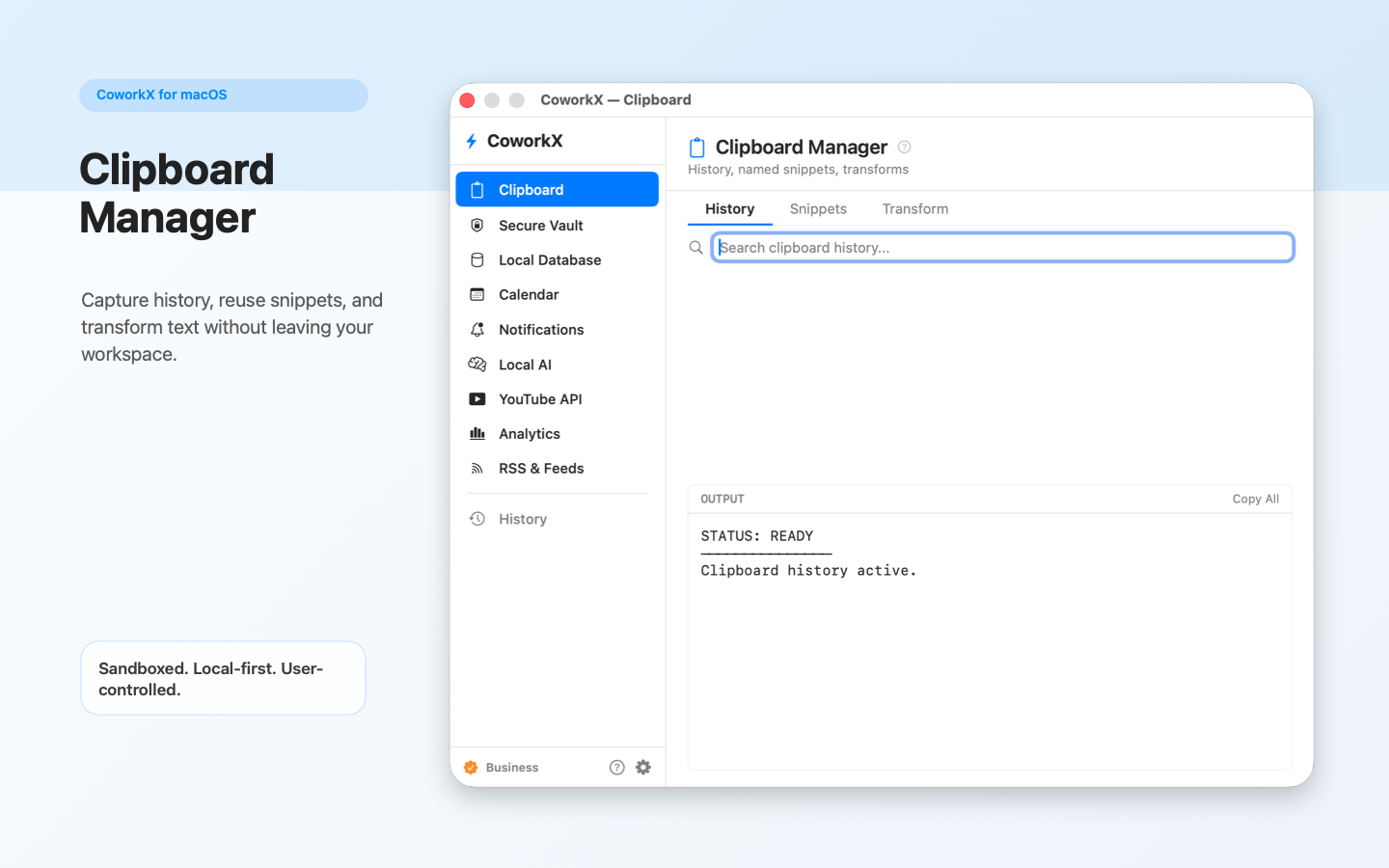
Clipboard Manager
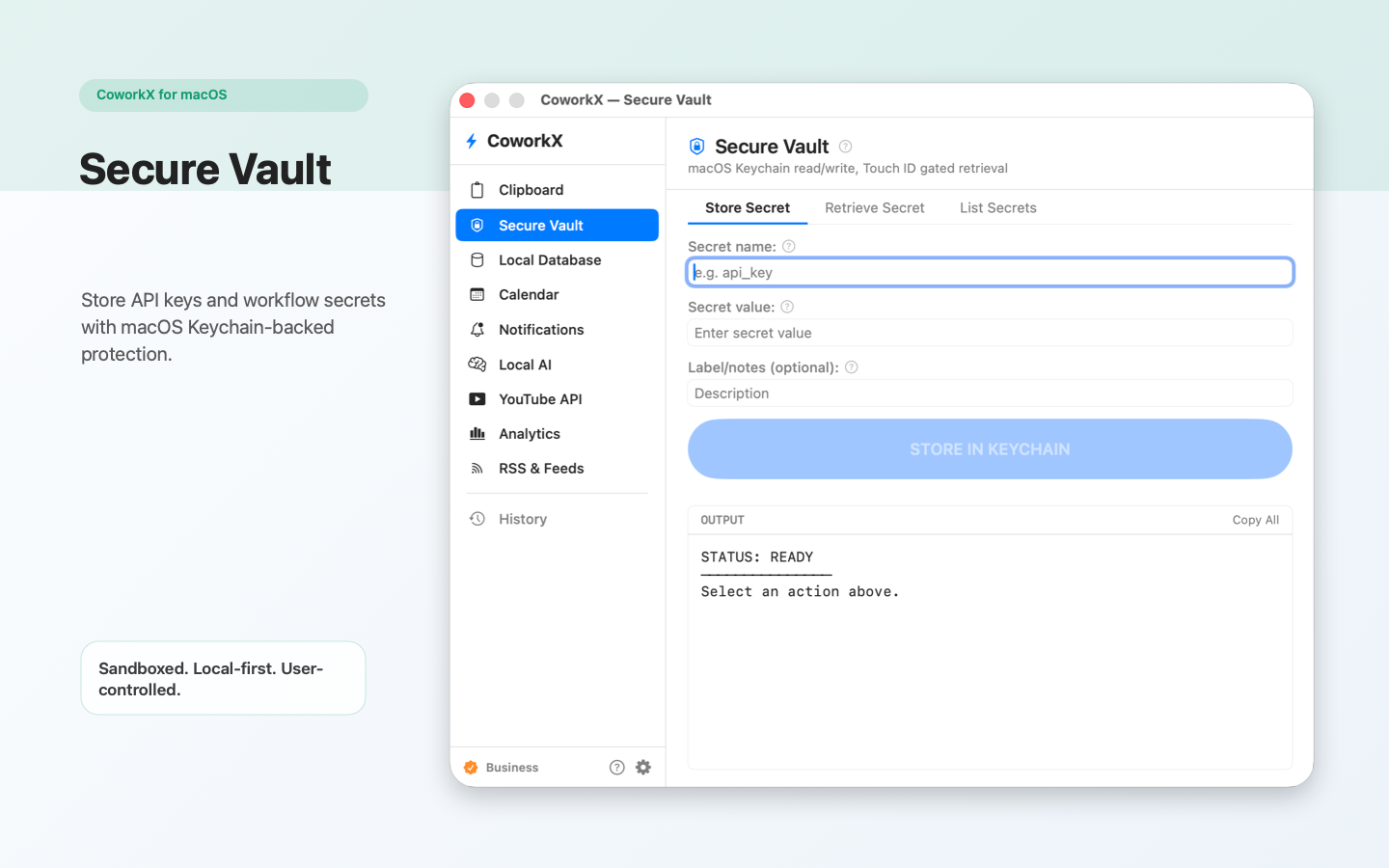
Secure Vault
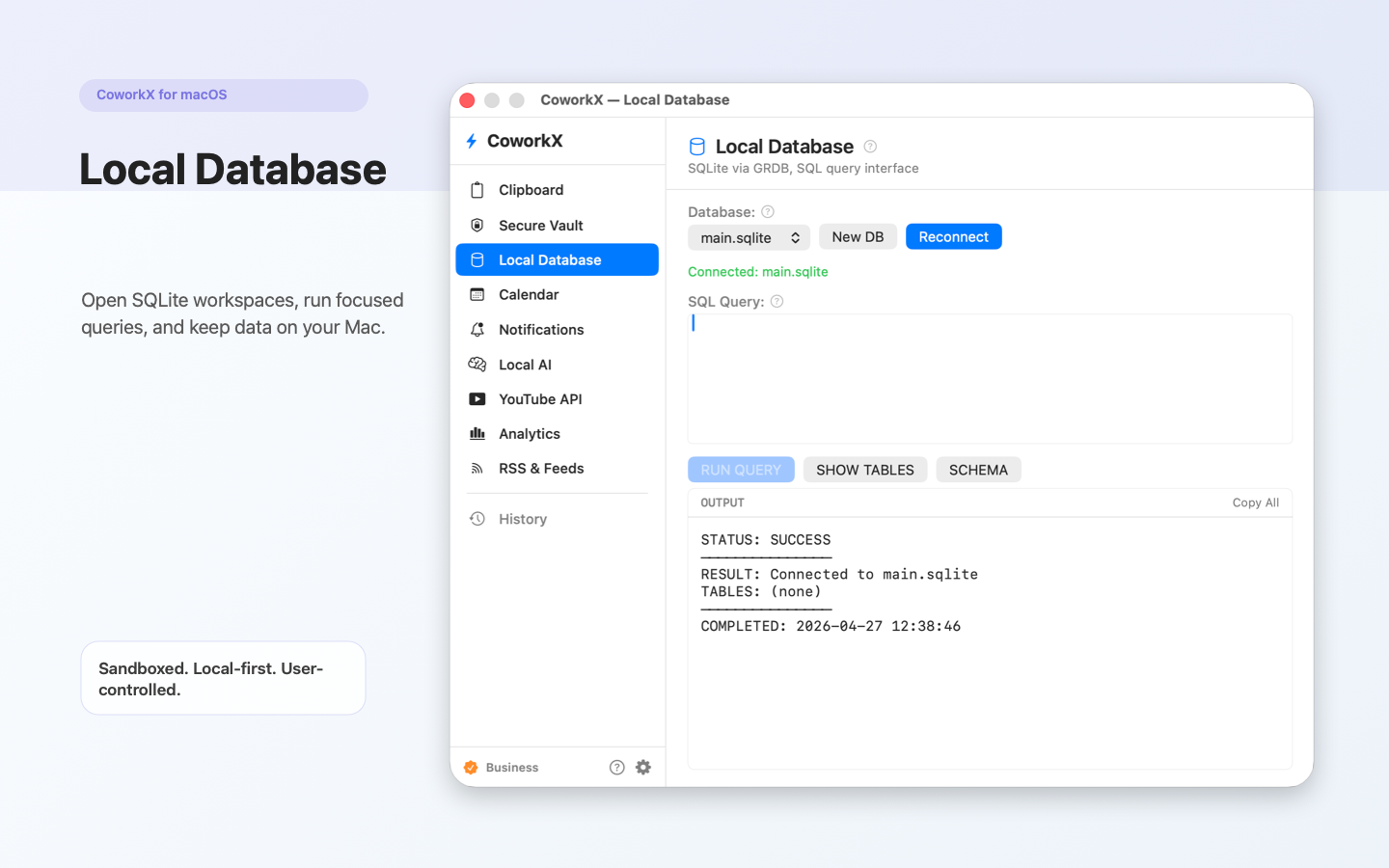
Local Database
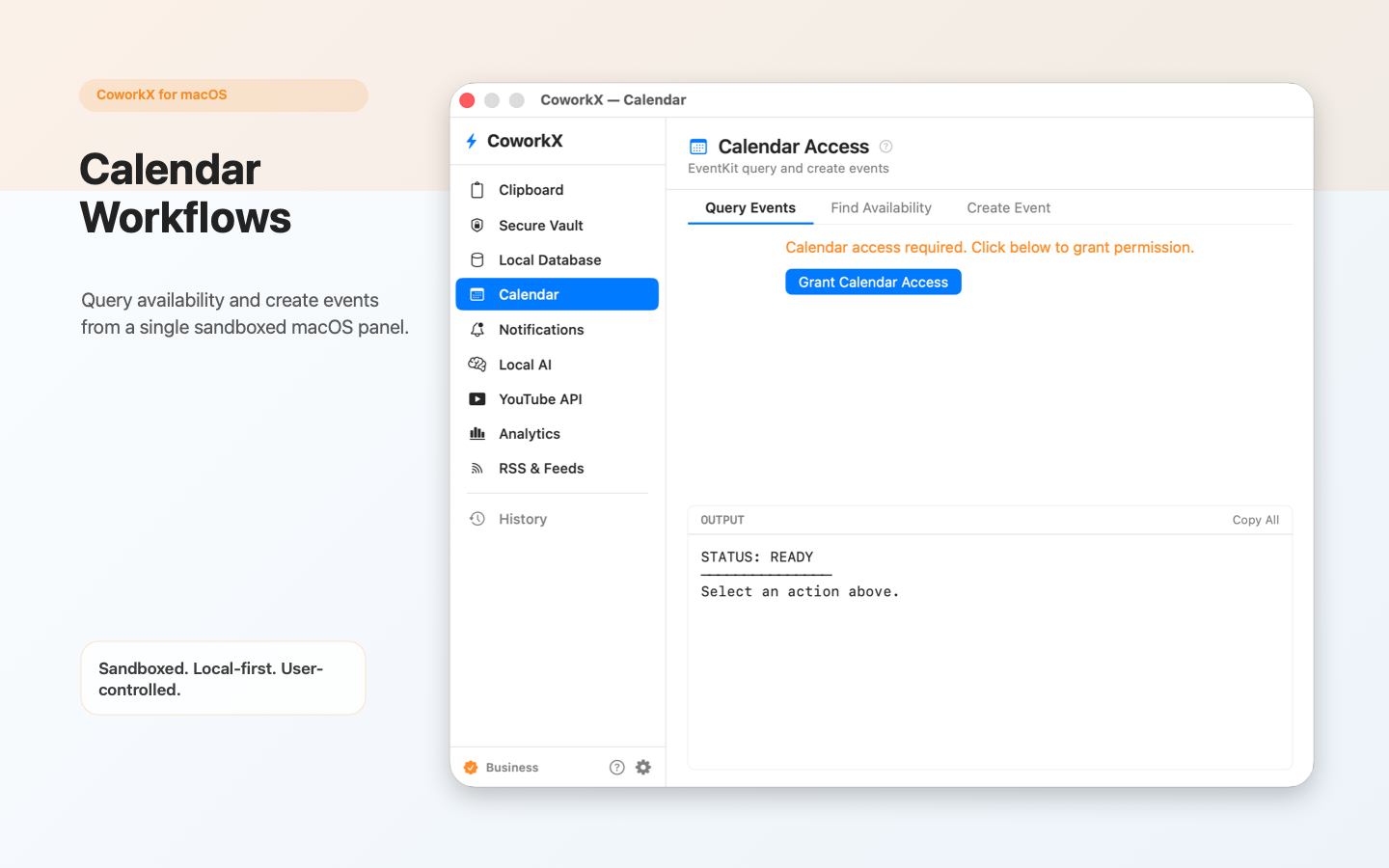
Calendar
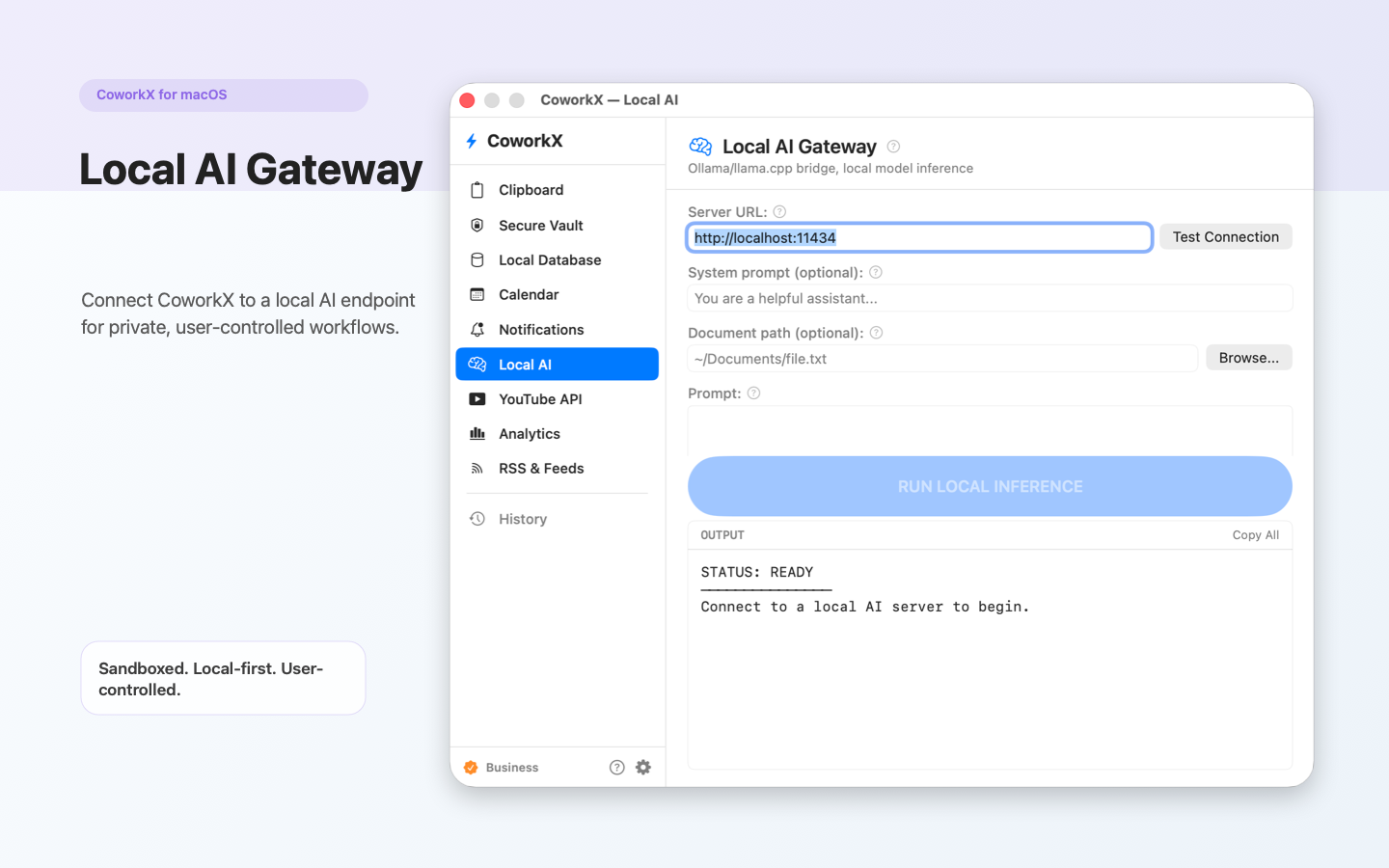
Local AI
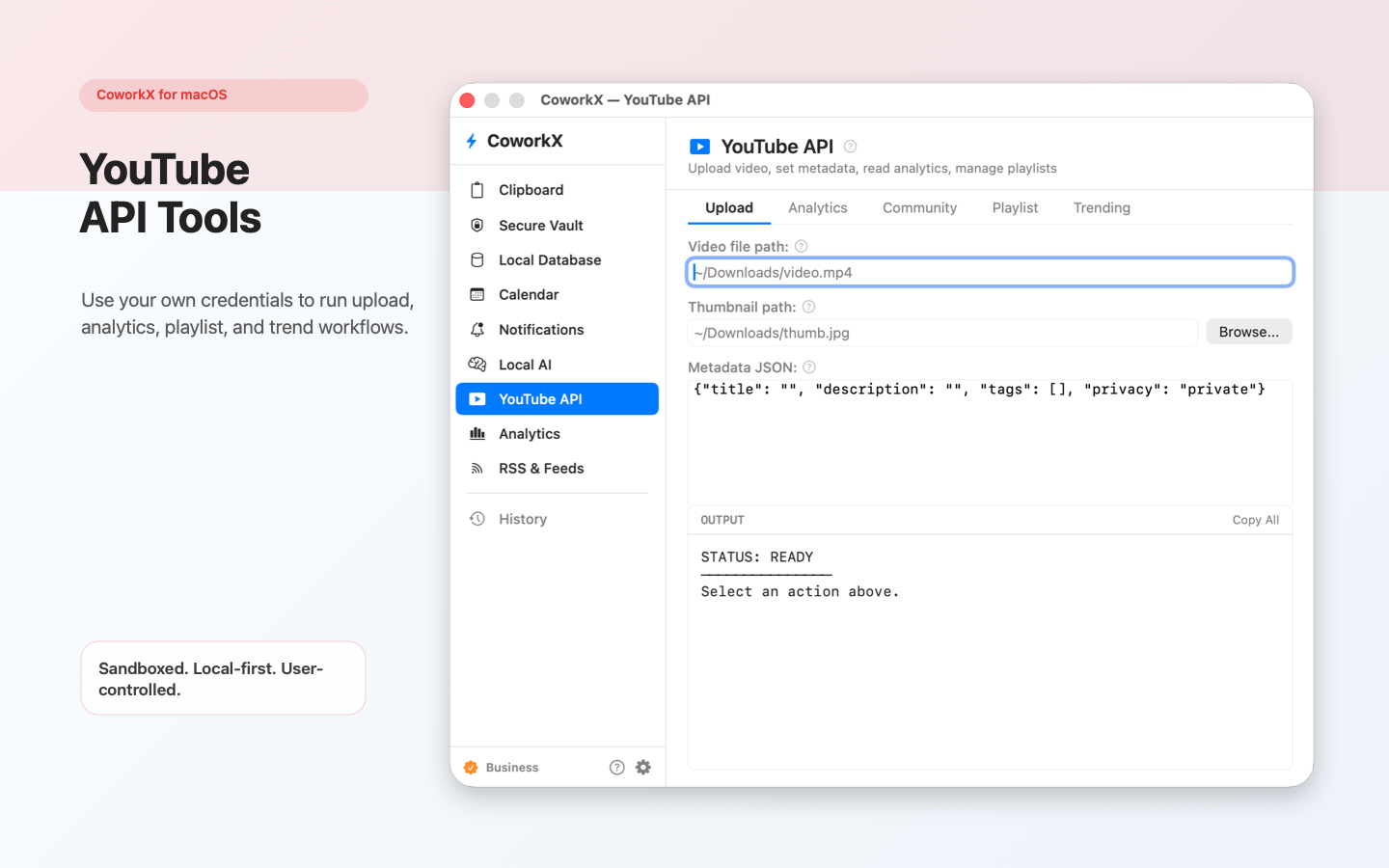
YouTube API
CoworkX combines clipboard tools, secure vault, local database, calendar workflows, local AI connections, and more into one sandboxed macOS app.
Clipboard history, text snippets, and text transforms. Quickly access and reuse anything you've copied.
Store API keys, tokens, and credentials securely in the macOS Keychain. Your secrets never leave your device.
Built-in SQLite database workspace for querying and managing local data right from your menu bar.
Query and create calendar events. Calendar access is used only when you actively use calendar features.
Connect to a local AI endpoint (e.g., Ollama). The app does not ship or download AI models — you bring your own.
YouTube API workflows using your own credentials. Search, fetch, and analyze video data on your terms.
Analytics views using your own credentials. Monitor and visualize data from your configured integrations.
Subscribe to RSS feeds and stay up to date with your favorite content sources directly in the app.
macOS notifications for reminders, events, and workflow triggers. Stay informed without switching apps.
The Mac App Store build runs in the macOS App Sandbox. Your data stays where it belongs — on your device.
API keys and tokens are stored in the macOS Keychain, not in plaintext files. You control your credentials.
All app data is stored in the app container unless you explicitly choose another location through macOS file controls.